ZenNotes adds cloud feature
Links to the best markdown editors, static site generators, CMS’s, and markdown viewers
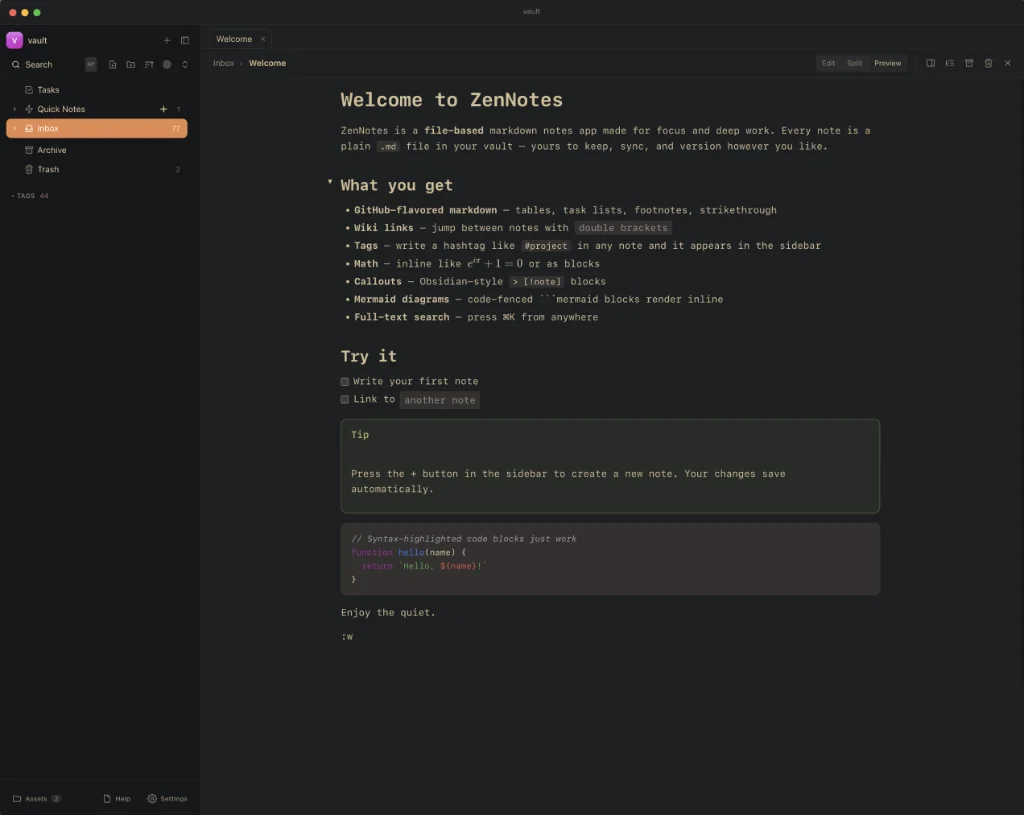
ZenNotes, the free and open-source markdown editor covered in Markdown Link no. 27, has added a Cloud feature that is open to everyone, whatever their taste of hardware.
Cloud keeps your vaults in sync across Mac, Linux, Windows, iPhone, iPad and Android. Turn on automatic daily backups and you can bring back a single note or an entire vault from the past 30 days. You can also download a full copy of your vault at any time.
It costs $5 a month or $48 a year for 2GB of storage, which covers five vaults and up to 50,000 files. If you need more, add publishing to share notes as web pages ($3 a month), 10GB more storage ($3 a month), or more vaults (from $1 a month).
The ZenNotes app remains free and open source, and your notes stay plain markdown files on your own devices. Cloud is there for when you need your notes to be available everywhere.
To get started:
- Update ZenNotes on each device.
- Choose a plan.
- In ZenNotes, open
Settings > Cloudand connect your account. On your other devices, connect the same Cloud vault to keep them in sync.
It is worth remembering that if you have iCloud connecting macOS and iOS you can continue to use that. But if you have a Mac paired with an Android device, or some other hardware mix, then ZenNotes Cloud might prove useful.
Haven’t found what you’re looking for? Try this site’s list of recommended markdown editors.