The Markdown Link no. 27
Links that attracted my attention recently
An occasional post from The Markdown Handbook.
Among today’s links are markdown editors Markpad, ZenNotes, Memos and an update from Binderus. Plus there’s a quick look at Albireo, a flat-file CMS.
- Markpad is described as Notepad’s equivalent for markdown. It is RAM efficient and offers GitHub-flavoured markdown, LaTeX support, Vim mode, split views, tabs, Mermaid diagrams, and is powered by the same engine as VS Code. As far as I can tell it does everything right, but I like an editor that gives you access to a document tree via a sidebar. Available for Linux and macOS, both currently in public beta. Still, it’s that good that I have added it to my list of markdown editors.
- ZenNotes is free and open source, and a likely candidate as an alternative to Obsidian. It even works with an Obsidian-type vault arrangement. Remember, a vault is simply a folder on your machine. ZenNotes has Vim mode turned on by default, but you can switch it off and return the app to ‘normal’ editing mode. I’d do that straightaway, unless you know Vim. It does markdown (GitHub flavoured), tasks, wikilinks, tags, math, callouts, Mermaid diagrams, full search and daily notes. Beautiful typography out of the box (just like the website) and you can tweak the settings to your liking. And, when writing, don’t forget to switch on Zen mode (⌘-.) to keep your focus. ZenNotes also offers access to the world of AI, although that feature is turned off by default; if you’re anything like me, it will stay that way. Available for macOS (as tested), Linux and Windows.
- Memos is a self-hosted timeline for quick notes, daily logs, links and snippets. You can open it, write in markdown and move on. Requires Docker.
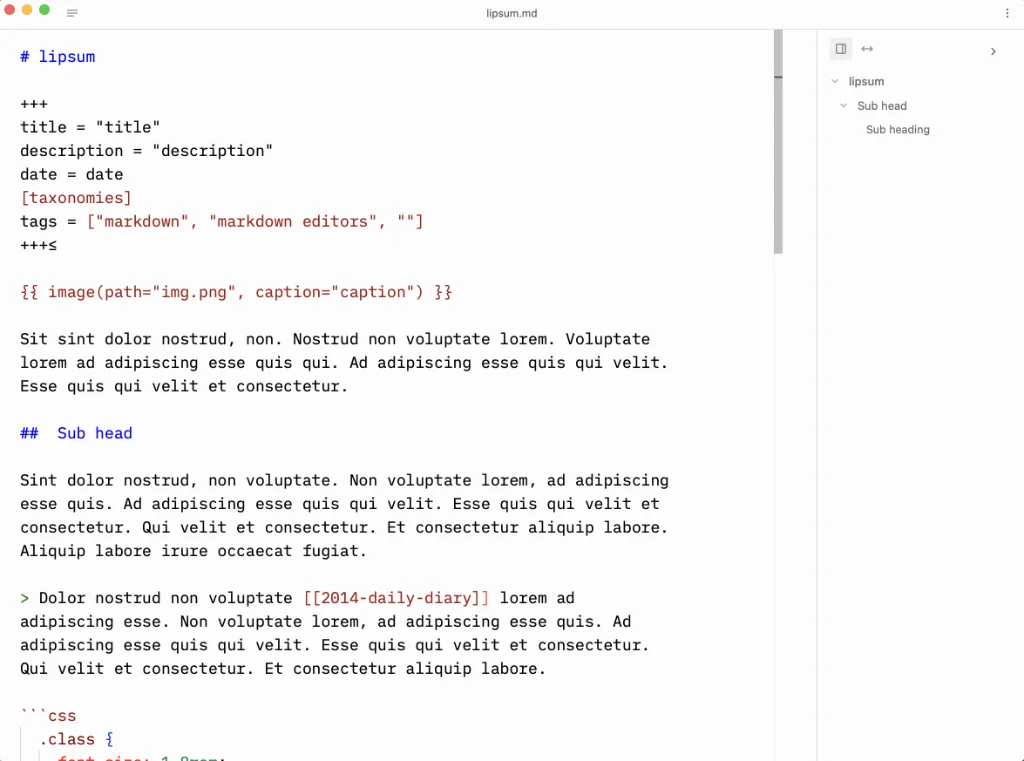
- Binderus has fixed most of the issues I reported in The Markdown Link no. 24, but the app isn’t quite ready at this stage to be added to my list of markdown editors. But, as stated, it still looks ‘promising’.
- Albireo CMS is a flat-file CMS for those unhappy with their current set-up. It is for beginners, freelancers, small websites, blogs and, even, those who use AI. The full version costs from around £17.
The ‘big print’
I am not the developer of any of the apps mentioned above or elsewhere on this site. Nor am I earning a commission from any of the apps mentioned above or on this site. I am cash poor, time poor and simply trying to share some great, as well as – some might feel – not-so-great apps.