Obsidian plugins: Longform
News from the world of markdown
The developer says…
Longform is a plugin for Obsidian that helps you write and edit novels, screenplays and other long projects. It lets you organise a series of notes or scenes, into an ordered manuscript. It also supports single-note projects for shorter works.
Features
They include:
- A dedicated sidebar that collects your projects from across your vault.
- A reorderable, nestable list of scenes.
- Scene/draft/project word counts.
- Daily writing session goals with lots of options to help fit your writing style.
- A workflow-based compilation tool that can create. manuscripts from your projects.
- Support for single-scene projects so that your shorter works can use the same workflows and tooling as your longer ones.
- Plus lots of commands, modals and menu items to help you manage your work.
Our view
Not as heavy on the sauce as other Obsidian plugins aimed at writers, such as Word-Smith. But, with 190,000 downloads in around two years, Longform must be doing something right.
If you have any existing works, you can start by adding longform to their front matter, or properties, and the Longform plugin will recognise them.
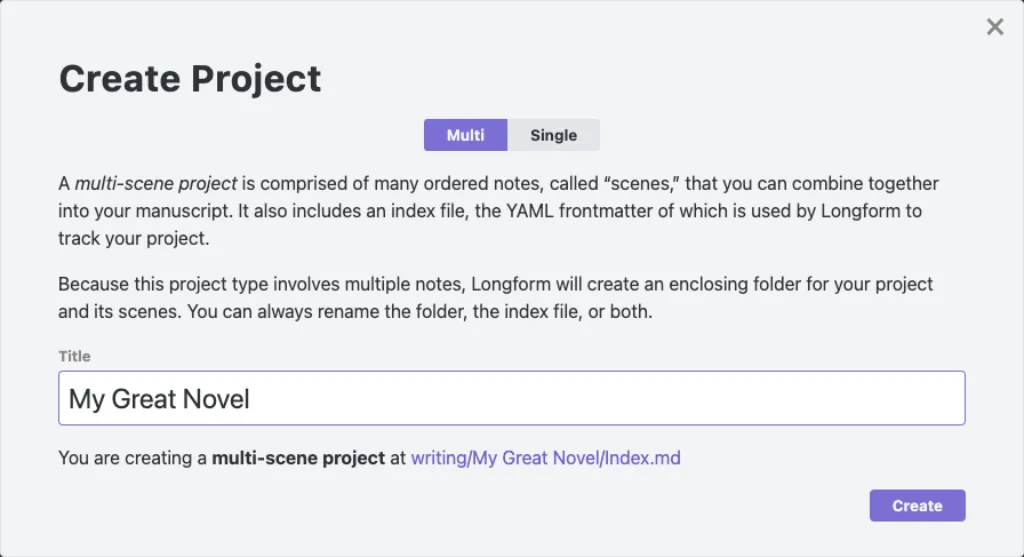
Alternatively, find or create a folder in your vault in which you want to write your first novel, right-click and select Create Longform project. That’s it, you have made a start.