The Markdown Link no. 68
Links to the best markdown editors, static site generators, CMS’s, and markdown viewers
An occasional post1 from The Markdown Handbook.
Among today’s links2 are markdown editors3 Lede and Lydie, plus we look at Marked, the markdown viewer built by Brett Terpstra.
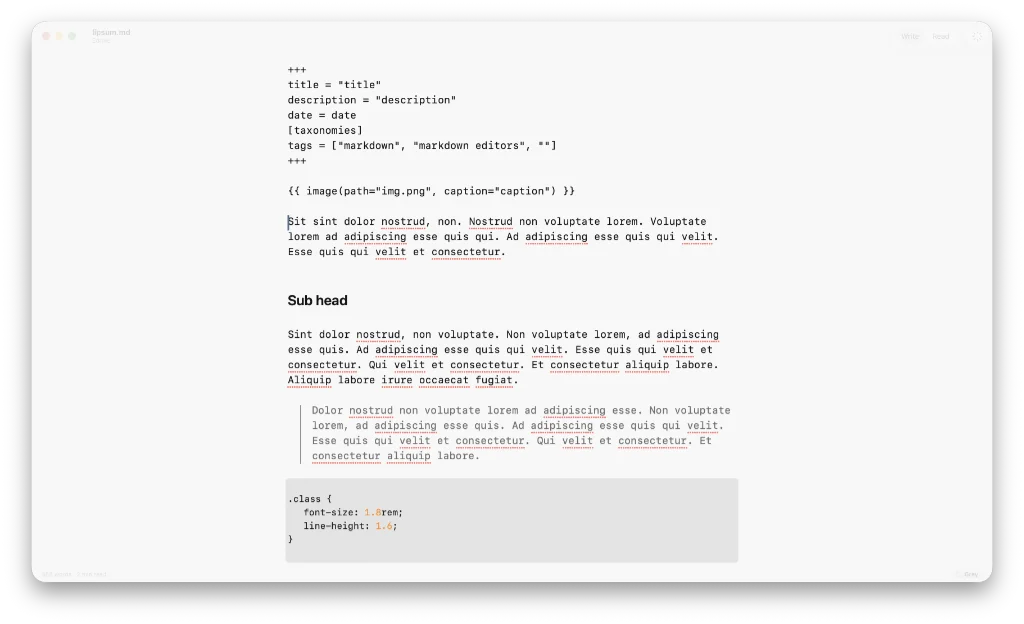
- Lede is a free, native markdown editor for Mac. It renders one page at a time, because that is what it is built to do. You can use Lede in split screen, with the document open on the left and a browser on the right or, alternatively, give your words space to breath in full-screen mode. The choice is yours. You are given the controls to make your article look right, with the font, font size and line length there to adjust in
Settings. Writing aids can help weed out the complex words and clichés you are prone to reeling off. Defaults to markdown, but the other option is plain text. Handles maths, diagrams and provides a helping hand for tables. There are no themes to talk of, but a simple choice between paper, white, grey and black. By the same developer who brought us Skein, which I wrote about in an earlier post. Available for macOS. - Marked, version 3, is a markdown viewer that delivers a markdown preview for Mac. Originally designed as a companion for markdown editor nvAlt (as far as I can remember), it is built by profilic Mac developer Brett Terpstra, the man of a 1000 apps. Terpstra is also expected to deliver nvUltra, another markdown editor, which remains in private beta. Marked offers advanced proofreading tools, themes and a number of export options, including to PDF, HTML and DOCX. A number of other export options exist, including EPUB and TextBundle. There are built-in grammar and style checking tools. Works with any text editor. Free trial then it costs £2.99 a month, £29.99 a year or you can take off the child locks for £69.99. Available for macOS.
- Lydie is a markdown editor, currently in beta. It is built in Electron. Every built-in feature is a plugin, which is how the app is organised; Lydie’s developer says plugins are not yet a way to extend it. Settings allow you to change the font-size (has no effect I can see) and the line length, but it is yet to allow you to adjust the font or line height, if indeed it eventually offers these choices. In fact, it is the barebones of a markdown editor, because many features, such as the export options, are yet to be added. This is one to come back to in future. There is a companion web app and cloud syncing feature. Available for macOS.
Haven’t found what you’re looking for? Try this site’s list of recommended markdown editors.
Small print
Fonts: Many screenshots on this site use a font in the editor called iA Writer Mono, made freely available by the company behind iA Writer, another markdown editor.
Development: I am not a developer. So, I am not the developer of any of the apps mentioned above or elsewhere on this site. Nor am I earning a commission from any of the apps mentioned above or on this site. I wish I was a developer, because I would make the best markdown editor the world had ever seen. Probably.
Testing: I use Macs to test out the apps, usually a 2022 MacBook Air (M2, Silicon); occasionally, a 2017 MacBook Air (Intel). Apps available for other operating systems are merely mentioned as a courtesy, and for the purposes of completeness.