The Markdown Link no. 57
Links to the best markdown editors, static site generators, CMS’s, and markdown viewers
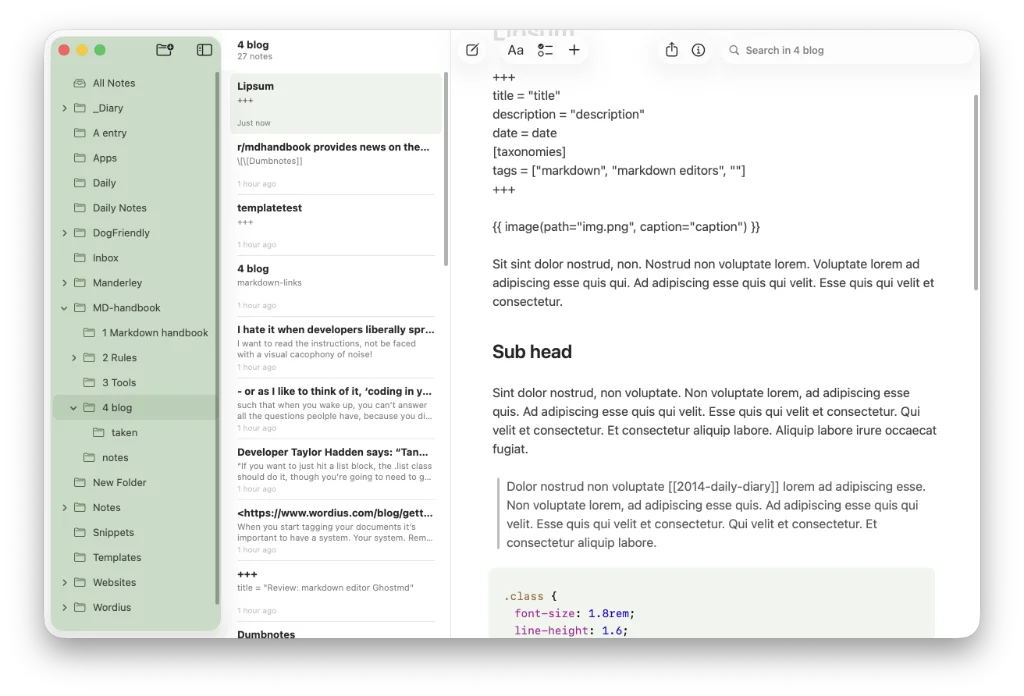
An occasional post1 from The Markdown Handbook.
Among today’s links2 are markdown editors3 EdgeMark and Soot, plus a notes widget for markdown that’s only available for Android phones.
- EdgeMark, covered in Markdown Link no. 18, has released v3, its Liquid Glass redesign. You now have a choice, the native or the Liquid Glass look, with a number of shared interface improvements. Markdown editor controls, such as smart quotes and dividers get some attention, while revealed link destinations now use quieter styling, and numbered lists keep their computed markers stable under the caret and selections. There are also a number of bug fixes in this release.
- Notes widget for markdown almost makes me jealous I don’t have an Android phone. The widget shows the notes files from one folder of an Obsidian vault, either as cards with a preview (checkboxes, lists, headings) or as a plain list of names. Tapping a note opens it in Obsidian. There’s also a button that adds a line to one note, for things you want to write down quickly. Sync used to stop without notice, so a small label has been added to show when it last ran. Available on Google Play for Android.
- Soot is described as a quiet markdown editor; with that, I have to agree. Subtle shades of colour combine with decent typography to offer a calm layout, even if the type is far too small for my liking. Callouts, task lists and tables are among the formatting options, although I was a bit uneasy with the way it handled the latter. It didn’t feel as accomplished as many of the apps I have tested recently, such as Header, covered in Markdown Link no. 56. Wiki links are the big omission. Font choice, font size and line height are limited, left, as they are, to the discretion of the developer. “Keeping your library in iCloud drive can lead to syncing issues…” is the first I’ve heard, unless the developer is specifically referring to his own apps, which require you to be signed in to sync. Export is limited to PDF or markdown, although there is also the option to copy as plain text, markdown or formatted text (rich text). Prices for this subscription-based app are $24.99 per year ($2.49 per month) allowing for up to 10GB of storage. A lifetime option would be preferable. I was unable to test Soot’s built-in sync, because it required a Pro subscription, which I wasn’t willing to pay for, with both apps being under TestFlight. Available for macOS and iOS.
Haven’t found what you’re looking for? Try this site’s list of recommended markdown editors.
Small print
Fonts: Many screenshots on this site use a font in the editor called iA Writer Mono, made freely available by the company behind iA Writer, another markdown editor.
Development: I am not a developer. So, I am not the developer of any of the apps mentioned above or elsewhere on this site. Nor am I earning a commission from any of the apps mentioned above or on this site. I wish I was a developer, because I would make the best markdown editor the world had ever seen. Probably.
Testing: I use Macs to test out the apps, usually a 2022 Macbook Air (M2, Silicon); occasionally, a 2017 Macbook Air (Intel). Apps available for other operating systems are merely mentioned as a courtesy, and for the purposes of completeness.