The Markdown Link no. 63
Links to the best markdown editors, static site generators, CMS’s, and markdown viewers
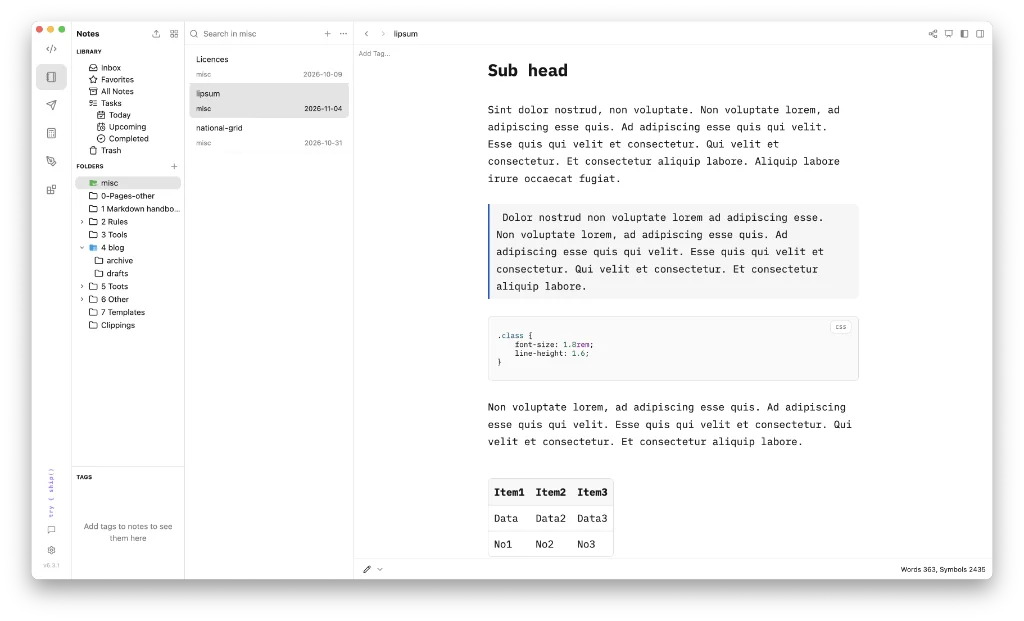
An occasional post1 from The Markdown Handbook.
Among today’s links2 are markdown editors3 massCode and Yiana. We also look at Smasi, a wiki, and HotDog CMS.
- massCode is a free and open-source code and markdown editor built in Electron. It offers the user access to code, notes, APIs, diagrams and calculations, all under one roof. The side rail contains what massCode calls ‘spaces’: code, notes, http, math, drawings (Excalidraw) and developer tools. The code space allows users to select languages via a toggle at the foot of the editor. There are more than 185 languages to choose from. In the notes space, the toggle switches to offer three mode views: raw, live preview and preview. The http space is where you access the terminal and console. Drawings is self explanatory and developer tools includes access to the likes of converters, cryptography and security tools, and url parsers and encoders. Explore the app to find out more. You use a single ‘vault’ at a time. To switch vaults you have to change the selected folder in
Settings > Storage. Right-click (Control-click) opens the formatting menu, revealing quick access to such items as bold, italic or highlight; paragraph for headings and lists; and insert for tables, callouts and code blocks. Type ⌘P to search or run a command, or switch spaces. Tasks are available across documents, notes, code and API requests. AI is present, but access to it is up to you. Export is to PDF or HTML. A markdown option wouldn’t go amiss. There are docs for anyone interested in following up. Available for macOS. - Yiana is a WYSIWYG markdown editor that is simplicity itself. ⌘K brings up the command menu and formatting is dealt with by the slash command, if enabled in
Settings > Editor > Slash menu. There are options to adjust the font, font-size, line height and editor width. I’m a bit confused about the whole idea of workspaces. You can’t delete a workspace, and I have tried, but it sounds like that is to do with the free version. No export options, but you can useFile > Save asto choose between markdown and text. Yiana has documentation for those who want to find out more. No AI is thrust upon you. Buy Yiana for $19.99. Available for macOS. - Smasi is a local knowledge database, or wiki, aimed at tradespeople, self-employed individuals, and anyone who spends more time in the workshop than in the office, but still wants to organise their knowledge. The free version has a limit of up to 20 entries. Smasi charges $18 per device for a one-time purchase. Available for macOS, Linux, Windows, iOS and Android.
- HotDog CMS is a website builder for people who want a fast, safe site without babysitting a server. Your pages are plain files, every change is a commit, and the public site is nothing but pages. The software is free, but you can show your support for developer Coffey Labs if you want. Install on macOS, Linux or Windows.
Haven’t found what you’re looking for? Try this site’s list of recommended markdown editors.
Small print
Fonts: Many screenshots on this site use a font in the editor called iA Writer Mono, made freely available by the company behind iA Writer, another markdown editor.
Development: I am not a developer. So, I am not the developer of any of the apps mentioned above or elsewhere on this site. Nor am I earning a commission from any of the apps mentioned above or on this site. I wish I was a developer, because I would make the best markdown editor the world had ever seen. Probably.
Testing: I use Macs to test out the apps, usually a 2022 Macbook Air (M2, Silicon); occasionally, a 2017 Macbook Air (Intel). Apps available for other operating systems are merely mentioned as a courtesy, and for the purposes of completeness.