The Markdown Link no. 44
Links to the best markdown editors, static site generators, CMSs, and markdown viewers and readers
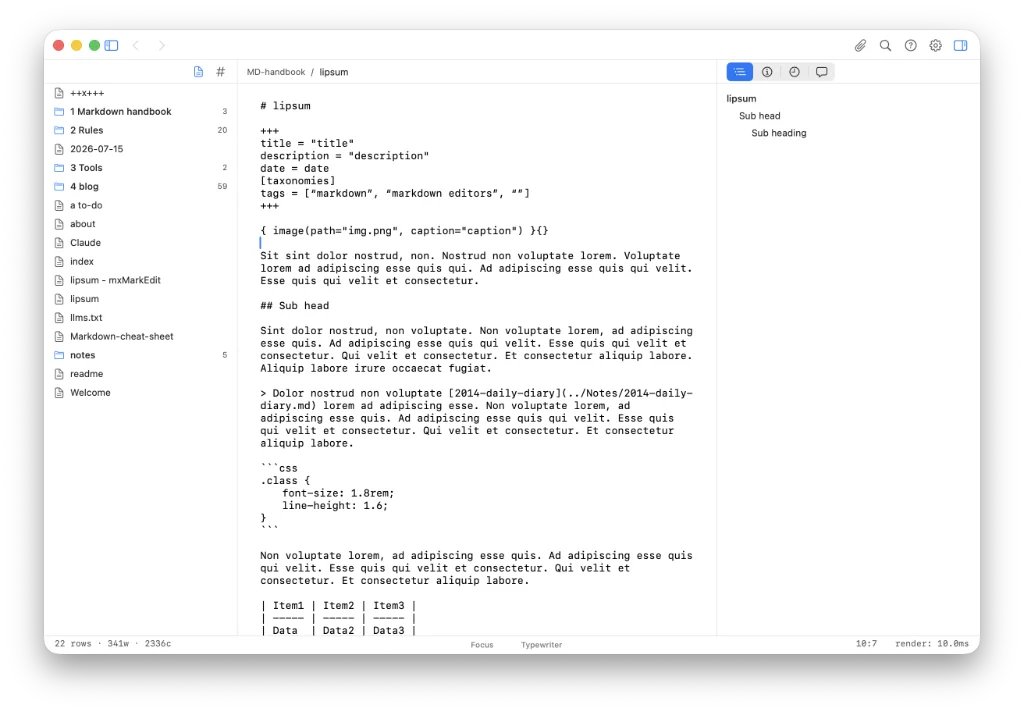
An occasional post1 from The Markdown Handbook.
Among today’s links2 are markdown editors3 Dinkus, Fluster, Margin, Wander and Memos.
- Dinkus is a distraction-free markdown editor for macOS (untested). It offers the ability to edit “post-syntax” markdown visually, as well as directly in source mode. Add local images to your document via a URL and an image dialogue, with no need to remember the image syntax. (Personally, I don’t see a problem with remembering the syntax. Remembering
is hardly like recalling the plot of War and Peace.) Tables, too, get their own editor; if you’re hacked off with markdown tables that‘s probably a good thing. Priced at $9.99, it’s currently available for $7.99 till the end of August 2026. Available for macOS. - Fluster, or Conundrum, whatever it’s called, claims to be an academic note-taking app. I find it entirely untrustworthy for two reasons. First, it says it is available as a free download, but, once downloaded, you can’t create a note because that is a paid feature. There is no trial or 100-note limit, nothing to give you a sense of what it is like to use. Second, it loads up AI without asking. There are no settings that allow you to turn off AI’s access to your precious notes entirely. So, 400MB downloaded becomes 2GB once up and running, with a single welcome note. Then there’s the subscription model: £4.99 per month or £49.99 per year – no lifetime licence, whether tied to major updates or otherwise. The decision is yours. My decision was to retrieve my 2GB of storage.
- Margin. All I can say about Margin is that it looks and sounds okay, but I have not had the opportunity to try it out. I have been on a waiting list for two months. And the wait goes on…
- Wander is a free markdown editor for macOS with a complementary iOS app. It is local-first and there’s no account involved. Wander offers a handy table editor, but its settings leave a lot to be desired. There’s no place to change the font, font size, line height or editor width (reading width), all of which would improve the current offering. You can also export documents as PDF, html or in various flavours of markdown. Available for macOS and iOS.
- Memos is a minimalist, open-source note-taking app built for quick capture and offering you full ownership of your data (untested). It is possible to host it yourself, markdown native and there’s no telemetry. Memos claims to be a privacy-oriented alternative to Google Keep or lightweight Notion-style workflows. Docker is required.
Haven’t found what you’re looking for? Try this site’s list of recommended markdown editors.
Markdown news
- Kraa, the web-based markdown editor mentioned in Markdown Link No. 12, has had a facelift, with a refreshed UX, a multi-leaf view and an ‘explore page’ that shows all public leafs (documents). There have also been a number of general editor improvements, such as adding support for tables and comments.
- MarkEdit, previously covered in November 2025, has finally woken up and added a readable width extension. Quite why this has to be an add-on and not part of the original app, I have no idea. For a full list of plugins see the extensions page.
Small print
Fonts: Many screenshots on this site use a font in the editor called iA Writer Mono, made freely available by the company behind iA Writer, another markdown editor.
Development: I am not a developer. So, I am not the developer of any of the apps mentioned above or elsewhere on this site. Nor am I earning a commission from any of the apps mentioned above or on this site. I wish I was a developer, because I would make the best markdown editor the world had ever seen. Probably.
Testing: I use Macs to test out the apps, usually a 2022 Macbook Air (M2, Silicon); occasionally, a 2017 Macbook Air (Intel). Apps available for other operating systems are merely mentioned as a courtesy, and for the purposes of completeness.