The Markdown Link no. 22
Links that attracted my attention recently
An occasional post from The Markdown Handbook.
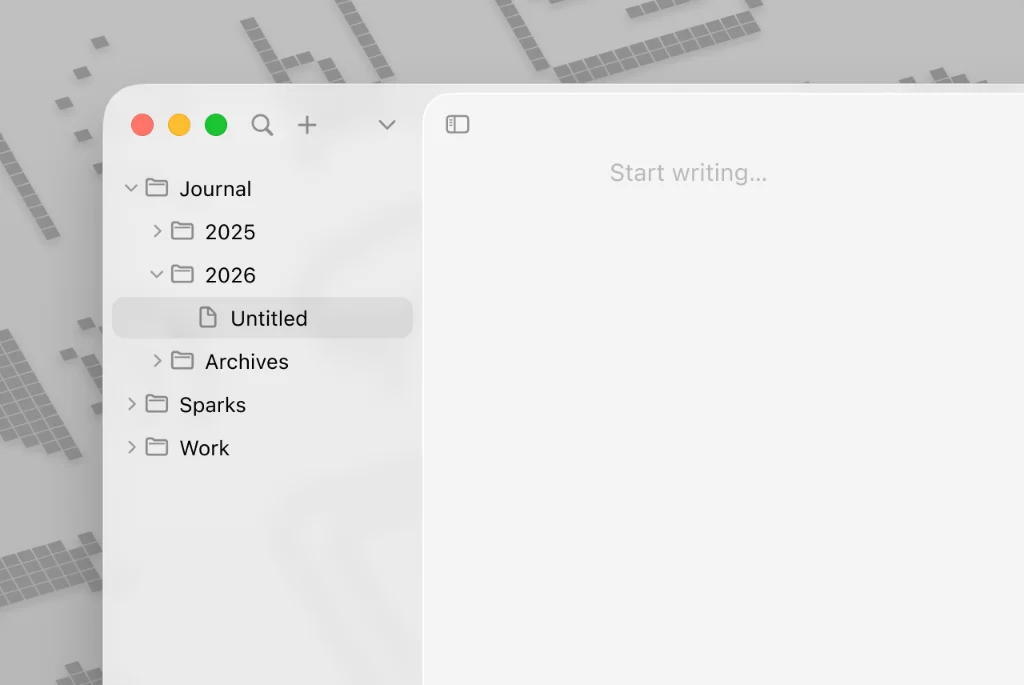
Among today’s links are markdown editors Notanic, Pencel, Poe and Zettel, a markdown outliner for VSCode, and Mud, a markdown previewer for those who prefer to stick with their current, non-markdown text editor.
- Notanic is for people who think and work visually. It’s designed to handle notes, sketches, code and graphs all in one place. The free offering is ideal for personal notes and offline use; with the paid option ($5.99 per month), you get to unlock cloud sync, real-time collaboration and premium storage.
- Pencel is a clutter-free app for macOS, somewhere to write and concentrate. If you want one window for your research and another for your writing Pencel does that. There’s a free, unlimited trial with up to nine notes, or it costs $9.99 per year or $19.99 for a lifetime licence.
- Poe, inspired by Dillinger, is a two-pane markdown editor with live preview through its split-pane layout, Vim keybindings and custom text transformation pipelines. Documents persist in the URL, no accounts or storage required. Supports tables and Mermaid diagrams.
- Markdown outliner adds collapsible sections to VSCode’s markdown preview for headings and lists. Simply click the triangle icons next to headings or list items to collapse/expand them. Visit the GitHub repository to find out more.
- Zettel is a minimal, distraction-free local note-taking app available for macOS and iOS. Edit one note at a time with full-screen interface, organise your notes with hashtags, light, dark, and system theme options, and all notes are saved as simple markdown files. Think of it like a scratchpad, where you can add your jottings all day to a single note, then transfer them to your more organised set-up later. That’s if you’re organised…
- As SQLite supports importing CSV, Dmitry Chestnykh came up with this one-liner, which converts a CSV file from stdin into a markdown table:
sqlite3 :memory: -cmd ".mode csv" -cmd ".import /dev/stdin t" -cmd ".mode markdown" "SELECT * FROM t;". If you’d prefer the output in html, switch.mode markdownfor.mode html. - Mud is for those who already have a favourite text editor and don’t want a special tool for writing markdown. All you need is a way to preview the markdown you’re writing. Mud renders markdown in bright or dark themes. The document is automatically reloaded when you save it.